Create a workspace
Your workspace is where your AI agents and team live.
Sign up
-
Go to v3.proto.cx/login/sign-up.
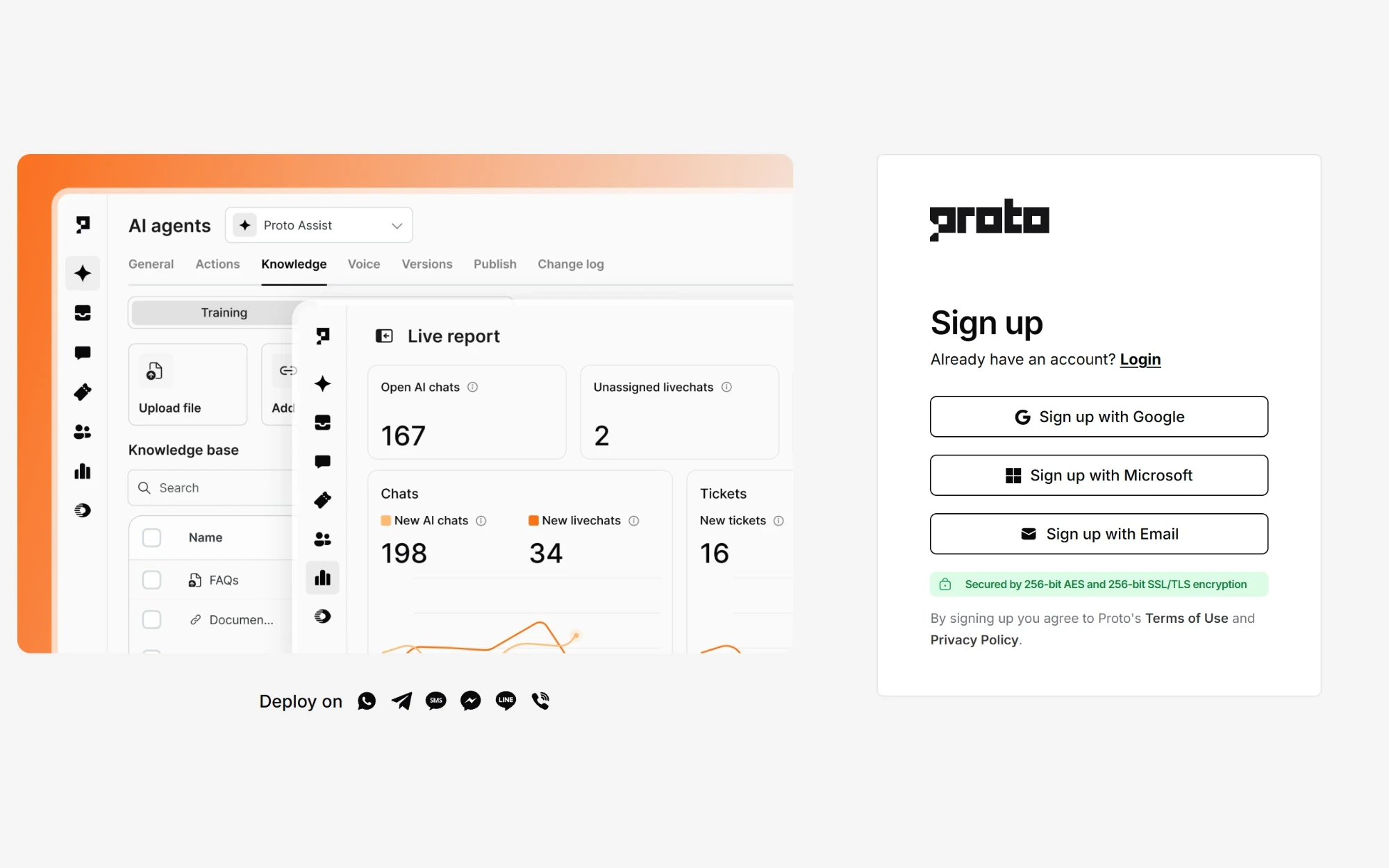
How do you want to sign up?
-
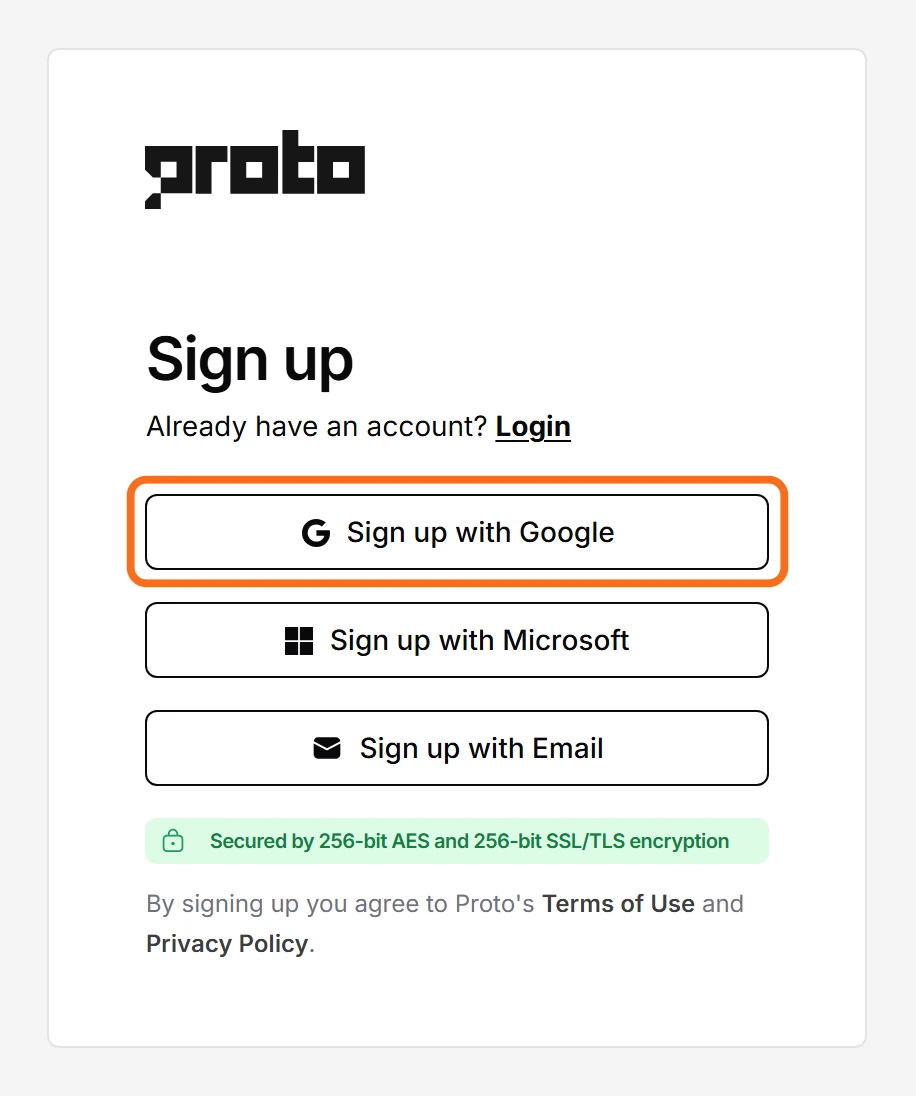
Select Sign up with Google.
-
Choose your work Google account.
Proto takes your name from your Google account.
-
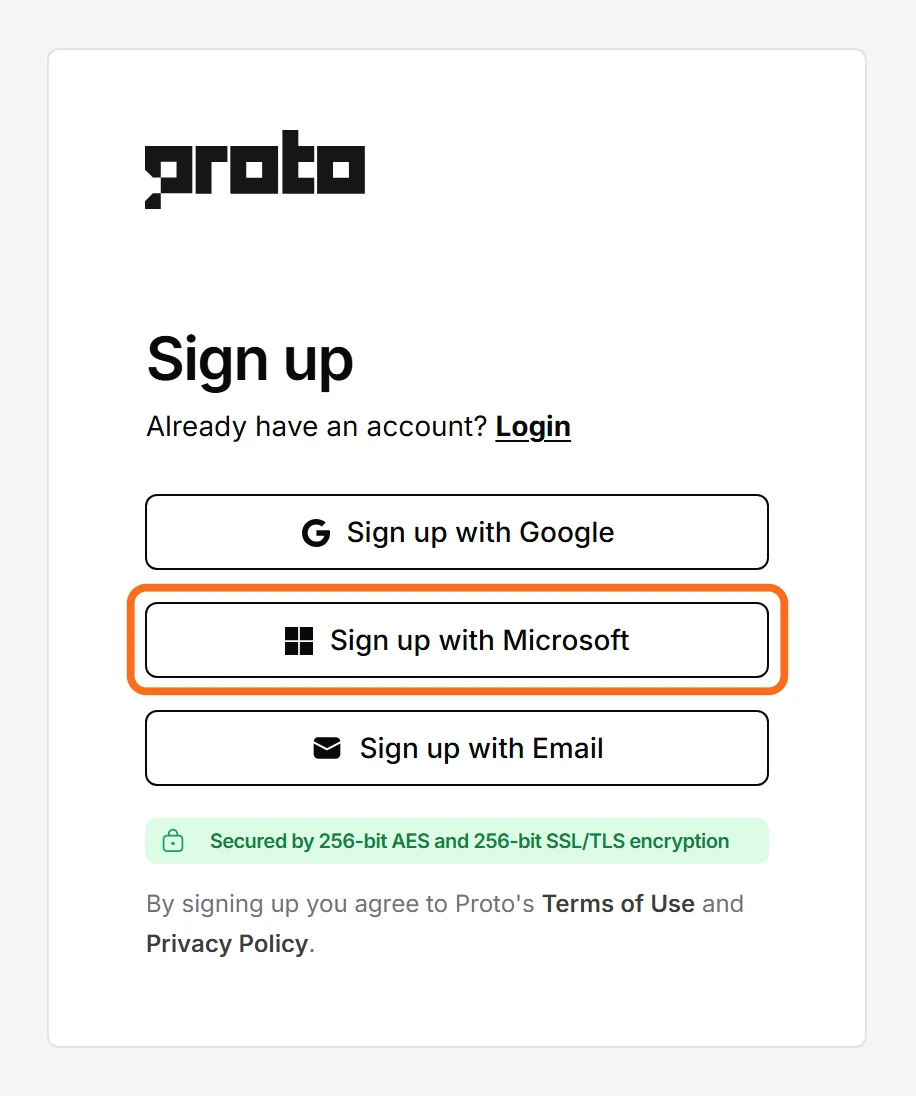
Select Sign up with Microsoft.
-
Choose your work Microsoft account.
Proto takes your name from your Microsoft account.
-
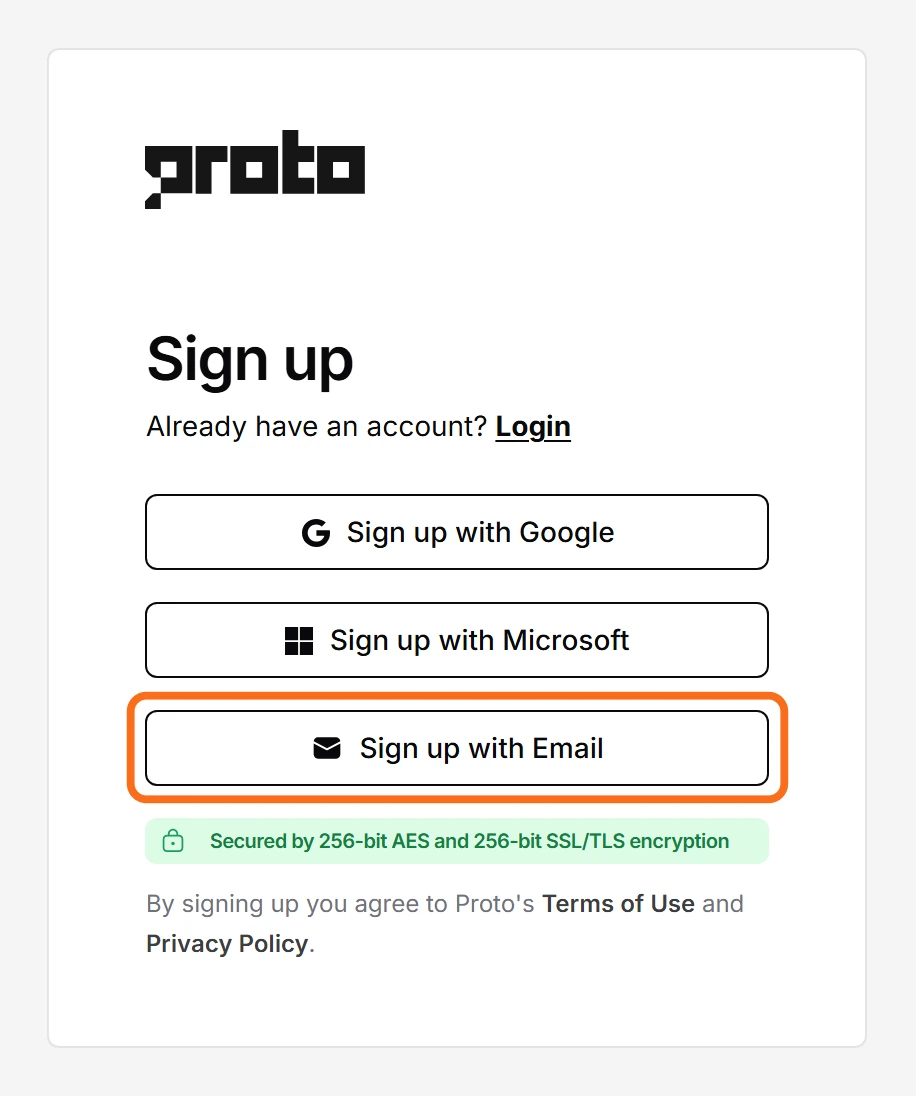
Select Sign up with Email.
-
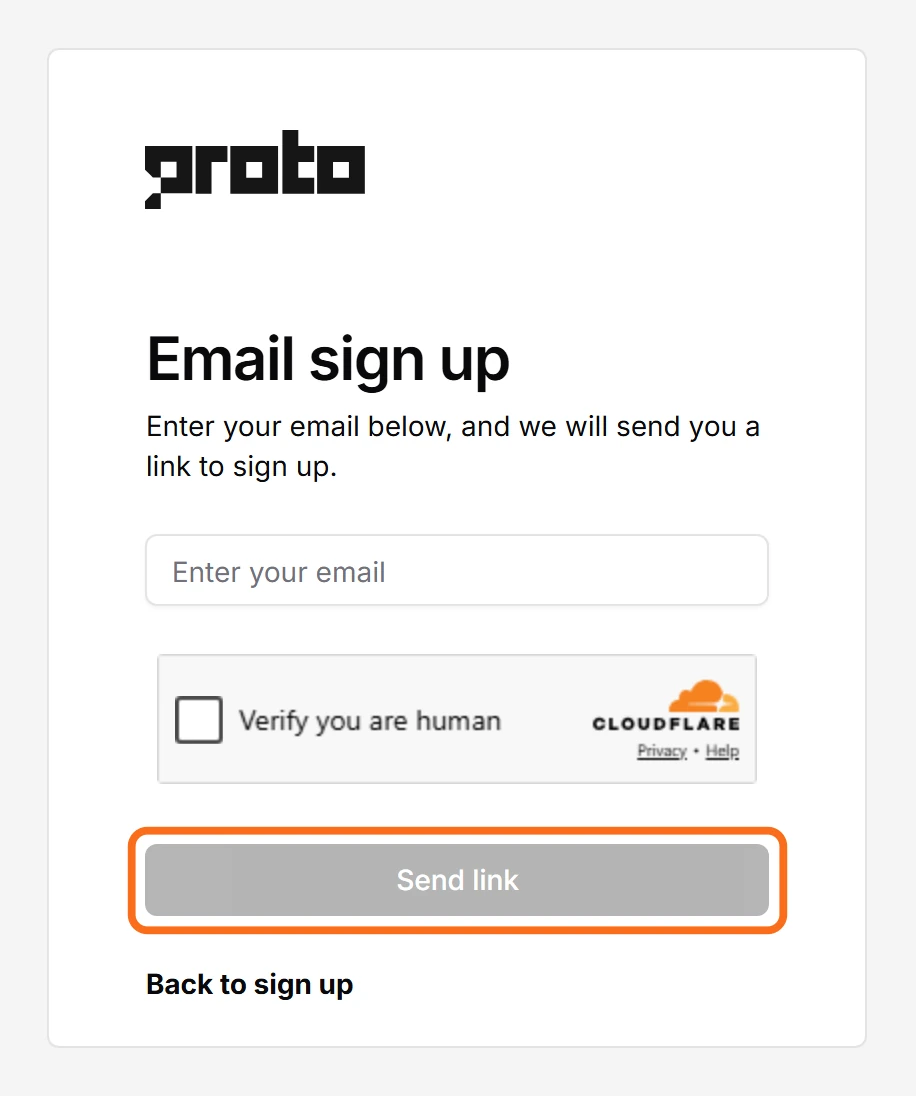
Enter your work email.
-
Tick Verify you are human, then select Send link.
-
Open the email from Proto and select the link in it.
Create your workspace
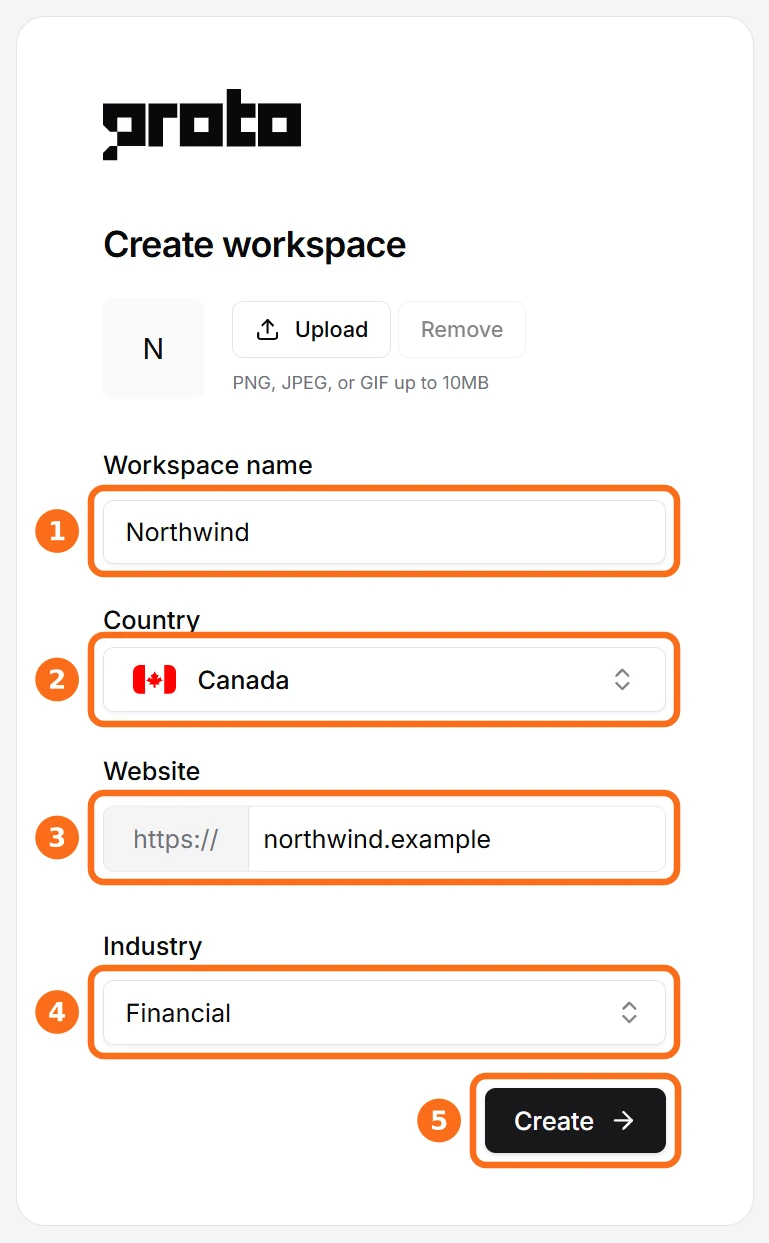
Next, you’ll see the Create workspace form.
- In Workspace name, enter your company’s name.
- In Country, select the country your company belongs to. You can type to search the list.
- In Website, enter your website.
- In Industry, select the industry your company belongs to.
- Select Create.
Add your details
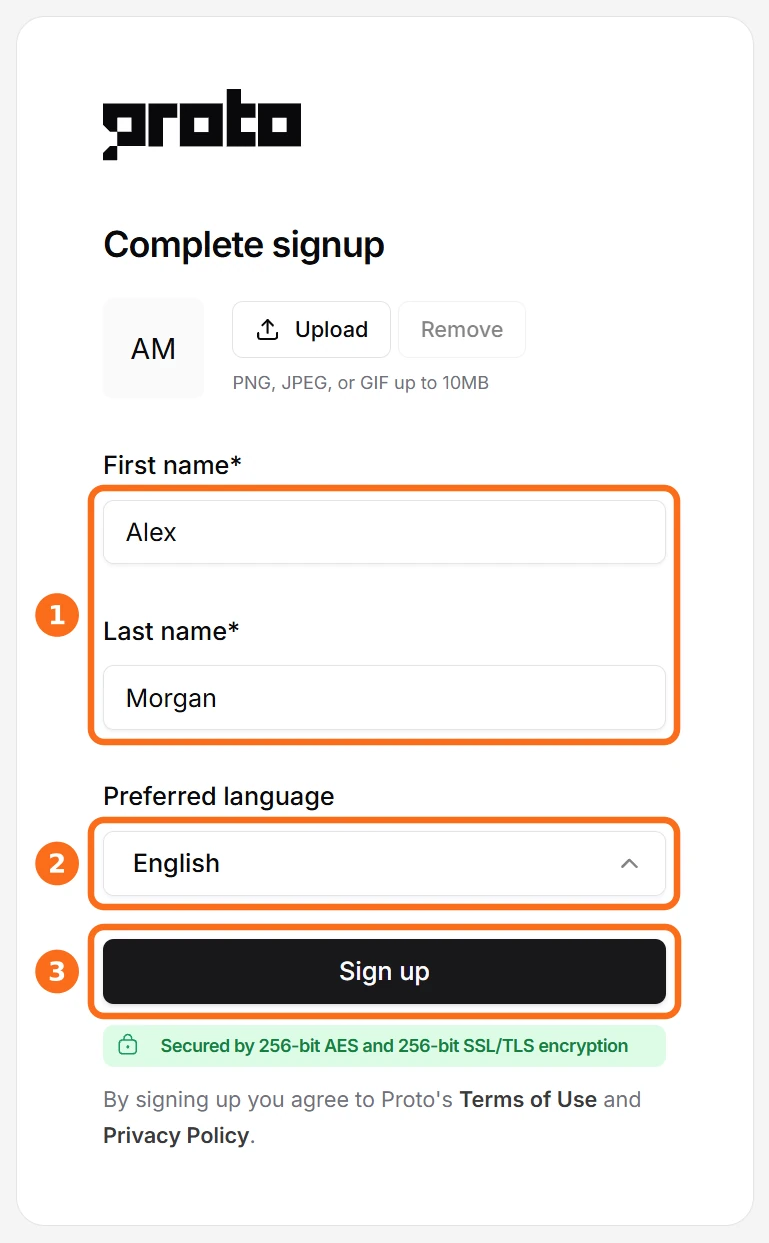
Because you signed up with email, you’ll see the Complete signup form:
- Enter your First name and Last name.
- Optional: change your Preferred language.
- Select Sign up.
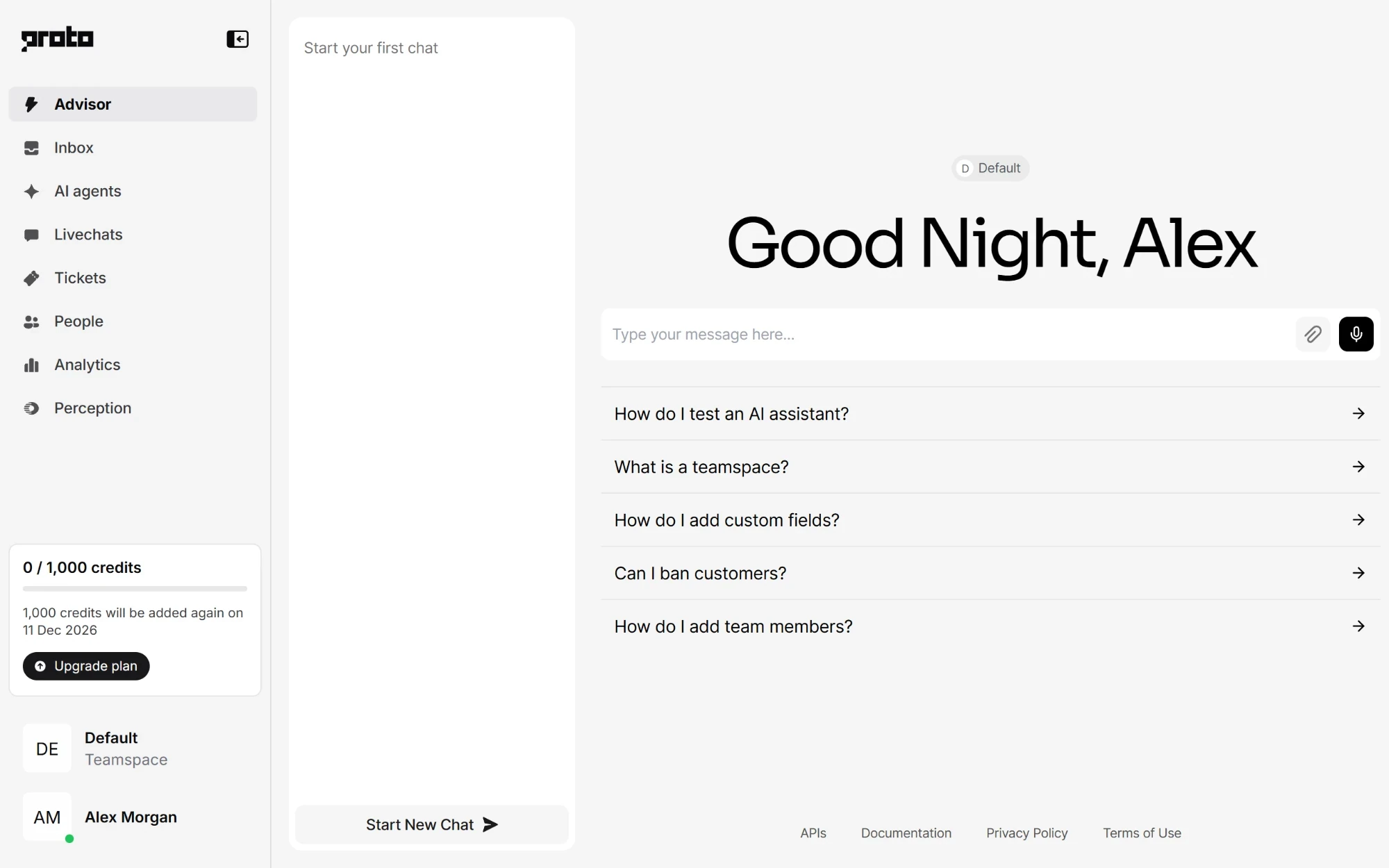
Checkpoint: you land in your Proto workspace.
Step 1 of 5 done
Next: Set up your first AI agent