Workflows
AI agent handoff
Pass the chat to another AI agent – in this workspace or another one.
AI agent handoff passes the chat to another AI agent – for example, from your general AI agent to one that handles billing. The other AI agent can be in a different workspace. Your AI agent stops replying.
Important: AI agent handoff is only on the Enterprise plan.
Before you start
Connect the other AI agent. Do this once for each AI agent you want to hand over to.
- Open the AI agent you’re handing over to, and select the Network tab.
- Under External AI Agent handoff, copy the AI Agent ID, AI Agent secret and Platform domain.
- Go back to your workflow and open the AI agent handoff action.
- In AI Agent, select Connect external AI Agent.
- Paste in the three values, then select Verify & Save. Proto checks them with the other AI agent.
Checkpoint: you see External AI Agent verified and connected successfully.
Settings
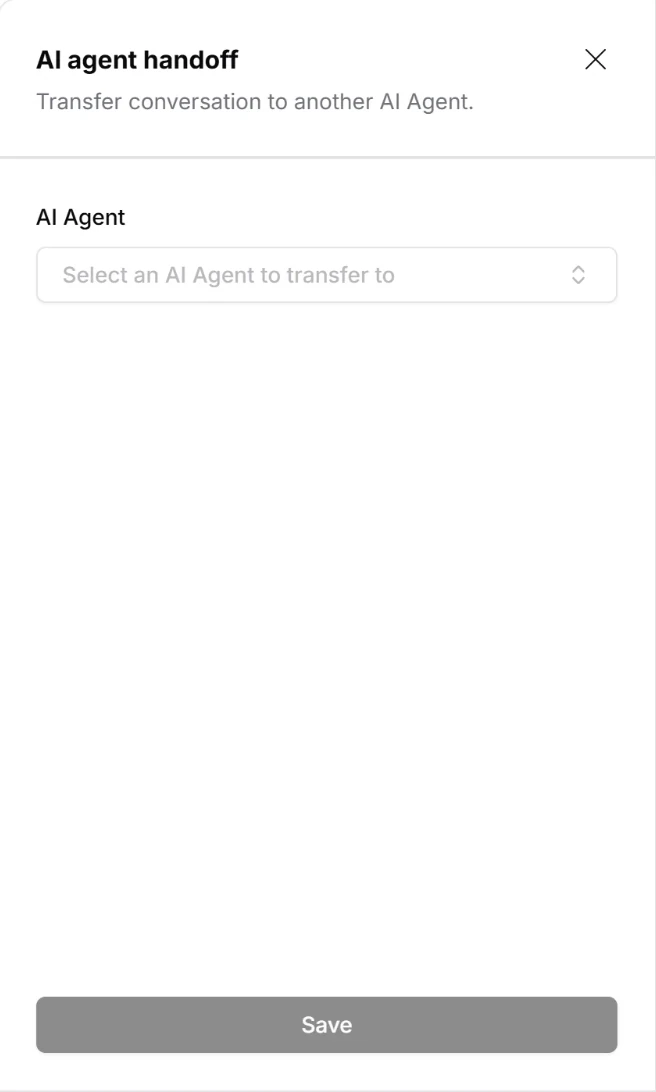
| Setting | What it does |
|---|---|
| AI Agent | Which connected AI agent to hand over to. |
What happens
Proto starts a chat with the other AI agent and passes on:
- the person’s name, email address, phone number and location
- their latest message, with any files – the files stay available for 24 hours
- your chat’s variables, apart from system ones that start with
_
The other AI agent carries on the chat from there, and can read the variables in _transferred_context. Your AI agent stops. When the other AI agent’s chat closes, so does yours.
Branches
| Branch | Runs when |
|---|---|
| When external AI agent transfer failed | The handoff couldn’t happen – see Good to know. |
Tip: add a Live agent handoff under When external AI agent transfer failed, so the person still gets help.
Good to know
- The handoff only works for chats on Webchat, WhatsApp or Facebook Messenger.
- A chat can only be handed over once. A chat that came from another AI agent can’t be handed on.
- If the connection details are wrong, or the other AI agent can’t be reached, the handoff fails.