Workflows
Jump
Go to another trigger or action, in this workflow or another one.
Jump moves the chat to another point in your AI agent’s workflows – such as back to the start of a menu, or into a workflow you’ve already built – so you don’t build the same steps twice.
Settings
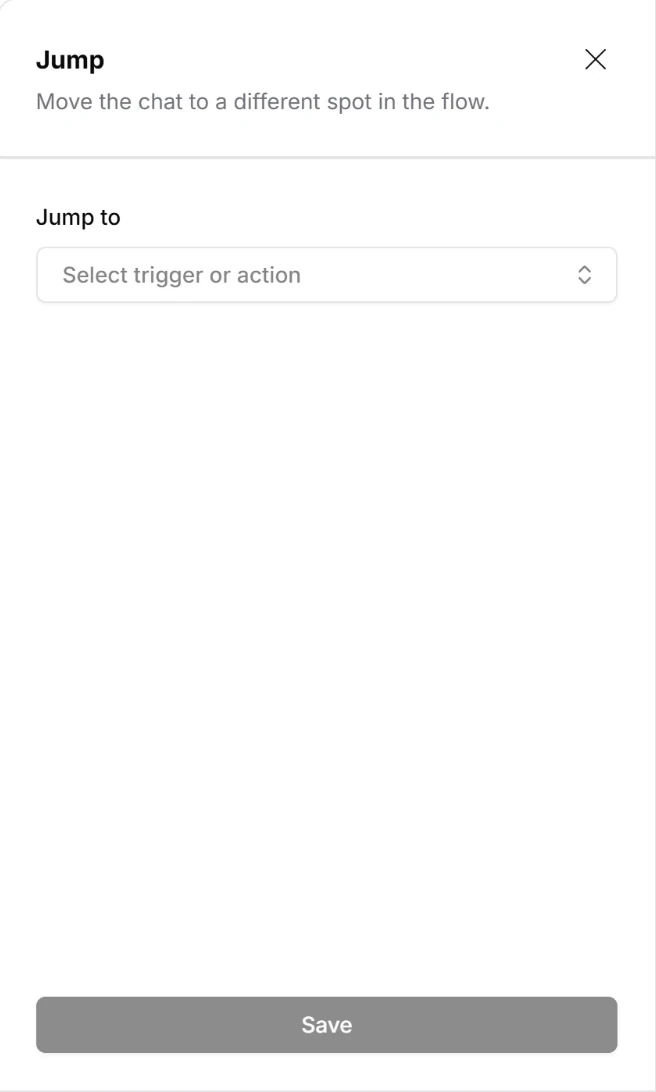
| Setting | What it does |
|---|---|
| Jump to | The trigger or action to go to. Search by name, description or number, such as 12. |
You can jump to any trigger or action in any workflow, apart from the Chat closed workflow. Select the destination’s card to open it in a new tab.
What happens
- To a trigger – its actions run from the top, as if it had started.
- To an action – the workflow runs from that action on. The actions before it are skipped.
The chat is then inside the trigger you jumped to, so its nested triggers are listened for next.
Actions after a Jump never run. The person doesn’t see the jump.
Good to know
- A jump back to an earlier point makes a loop – for example, to show a menu again. One message can make at most 50 jumps, so a loop with no way out stops there.
- If the destination is deleted, Jump to shows Not found and the jump does nothing. Choose another destination.
- Jump can’t be added to the Chat closed workflow.