Workflows
Switch language
Change the language your AI agent uses for the rest of the chat.
Switch language changes the language your AI agent speaks for the rest of the chat – for example, when the person selects Français in a quick reply.
Settings
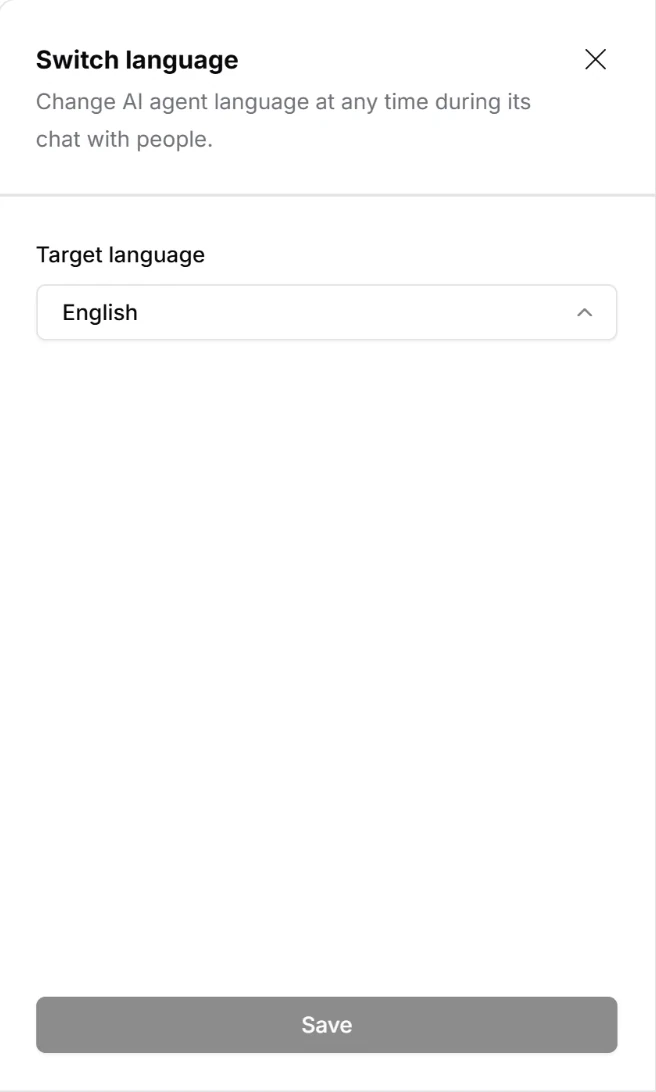
| Setting | What it does |
|---|---|
| Target language | One of your AI agent’s languages, or Disable language detection. |
What happens
- A language – your AI agent uses it from now on: every message, survey question and Training phrase comes from that language’s version of your workflows.
- Disable language detection – your AI agent stops working out the language from what the person types, and keeps the language it’s using now.
Either way, the workflow carries on straight away.
Good to know
- Your AI agent normally detects the language from each message. Detection still runs after a switch, so if the person writes in another of your languages, your AI agent follows. To stop that, add a second Switch language set to Disable language detection.
- Only your AI agent’s own languages can be chosen. Add languages on the Agent tab.
- Make sure the language has content: workflow messages and Training phrases written in it.