Workflows
Show carousel
Show a row of cards the person can scroll through, each with an image and buttons.
Show carousel sends a row of cards – such as products, plans or branches – that the person scrolls through. Each card can have buttons that send a message or open a link.
Settings
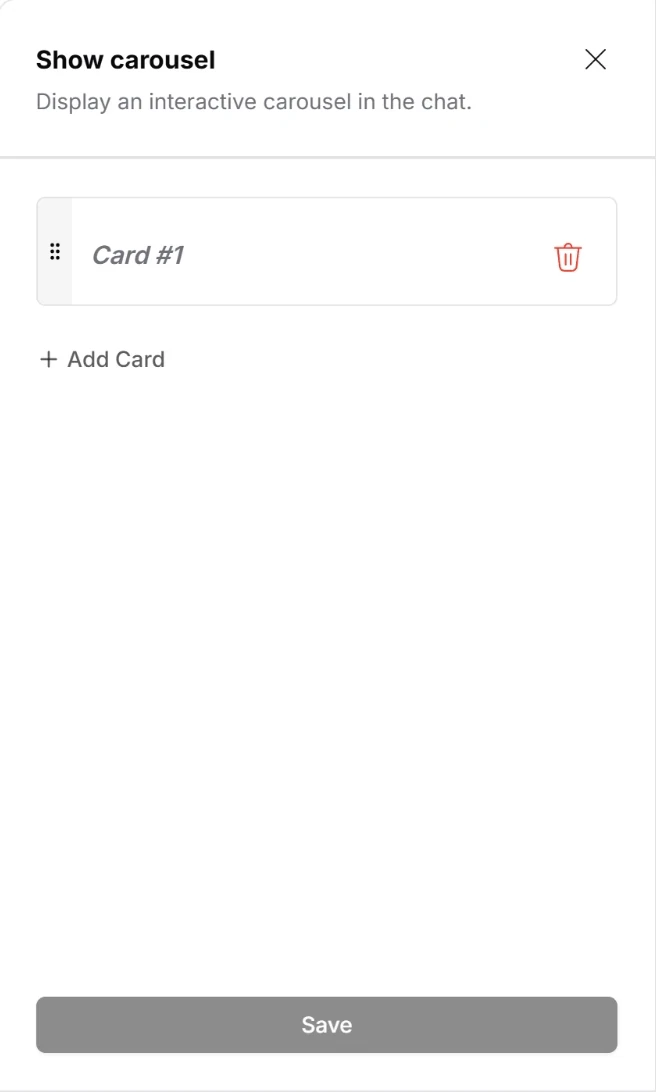
Select Add Card to add a card – up to 10. Drag cards to change their order. For each card:
| Setting | What it does |
|---|---|
| Image | Optional. Upload image (JPG or PNG, up to 20 MB), Image link or Chat script. Images show at 1.91 : 1 – about twice as wide as they are high. |
| Title | Required. The card’s heading. |
| Subtitle | Optional. A line or two under the title. |
| Buttons | Up to 3. Select Add Button for each one. |
For each button:
| Setting | What it does |
|---|---|
| Button type | Send Message – carries on the chat. Open Link – opens a web page. |
| Button text | What the button says, up to 20 characters, such as Book a demo. |
| Send message on click or Link | For Send Message, a value sent along when the person selects the button. For Open Link, the web address, starting with https:// or http://. |
Titles, subtitles and button values can include variables. Each language has its own cards and button text.
What happens
The person gets the carousel, then the workflow carries on straight away – it doesn’t wait for a button.
Every Send Message button gets its own Button clicked trigger, under the carousel. Add what should happen for that button there. When the person selects it, the button’s text appears in the chat as their message and that trigger’s actions run.
Open Link buttons open the page in a new tab. They don’t start anything in the workflow.
Important: put the follow-up for each button under its Button clicked trigger. Actions after the carousel run as soon as it’s sent.
Good to know
- Carousels show in Webchat, Facebook Messenger, Telegram and LINE. They aren’t sent on WhatsApp, Bitrix24, Africa’s Talking or email – use Send message with quick replies there.
- On Messenger, titles and subtitles are cut to 80 characters.
- On Telegram, each card is sent as its own photo, with its buttons.
- Once the chat is closed, Send Message buttons can’t be selected.
- A button’s trigger only runs while the chat is still in the workflow that showed the carousel. If the person starts something else, then goes back and selects an old button, its text is treated as a new message.