Workflows
External handoff
Pass the chat to your team in Zendesk or Bitrix24.
External handoff passes the chat to a team that works in another platform – Zendesk or Bitrix24 – instead of the Proto Inbox. Your AI agent stops replying.
Before you start
The platform has to be connected to your AI agent first. Until it is, it’s greyed out in the action.
| Platform | What you need |
|---|---|
| Zendesk | A Zendesk app on your AI agent – add it from your AI agent’s channels. |
| Bitrix24 | A Bitrix24 channel on your AI agent. The handoff only works for chats that came in through that channel. |
Settings
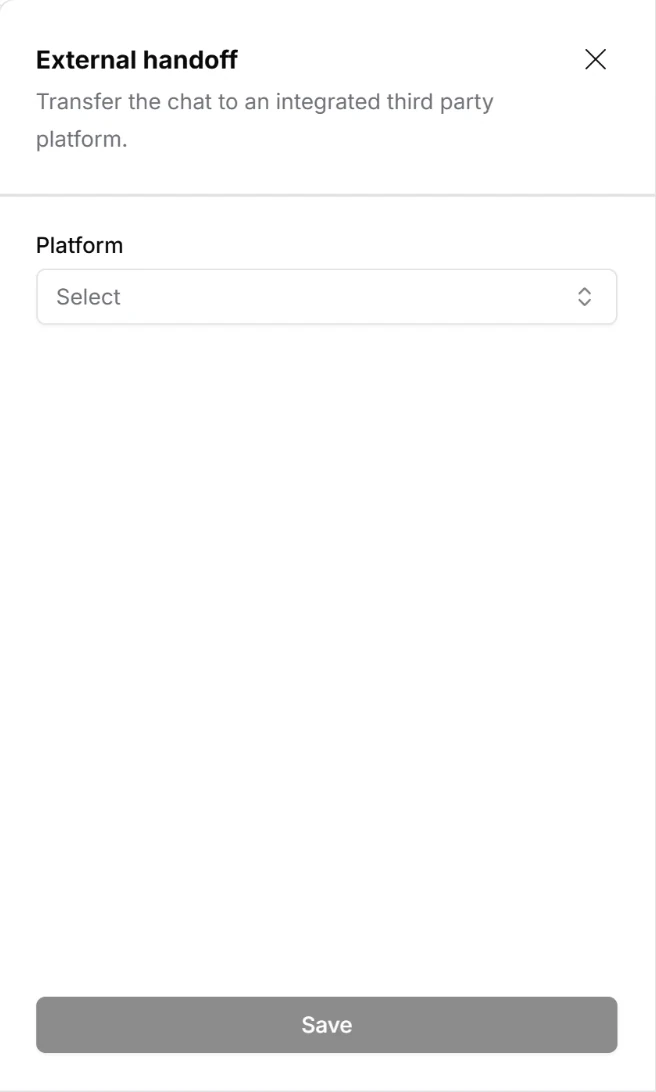
| Setting | What it does |
|---|---|
| Platform | Zendesk or Bitrix24. |
| Welcome message | Zendesk only. Optional – a message to send the person as the chat moves, such as Connecting you with our support team. It can include variables, and each language has its own. |
What happens
- Zendesk – Proto starts a conversation in Zendesk with the person’s name, email address and phone number, sends the Welcome message and stops your AI agent.
- Bitrix24 – Proto asks Bitrix24 to pass the chat to a free agent in Bitrix24, and stops your AI agent.
Branches
| Branch | Runs when |
|---|---|
| When live agent transfers back to AI agent | The team hands the chat back to your AI agent. |
Good to know
- If the handoff can’t happen – the platform isn’t connected, or a Bitrix24 handoff is used in a chat from another channel – the action does nothing and the workflow carries on.
- Add a Live agent handoff or a Send message after it as a safety net.