Workflows
Ask survey
Ask the person one or more questions, check each answer and save it in a variable.
Ask survey asks the person questions one at a time – such as their name, email address and order number – checks each answer and saves it in a variable for the rest of the workflow.
Settings
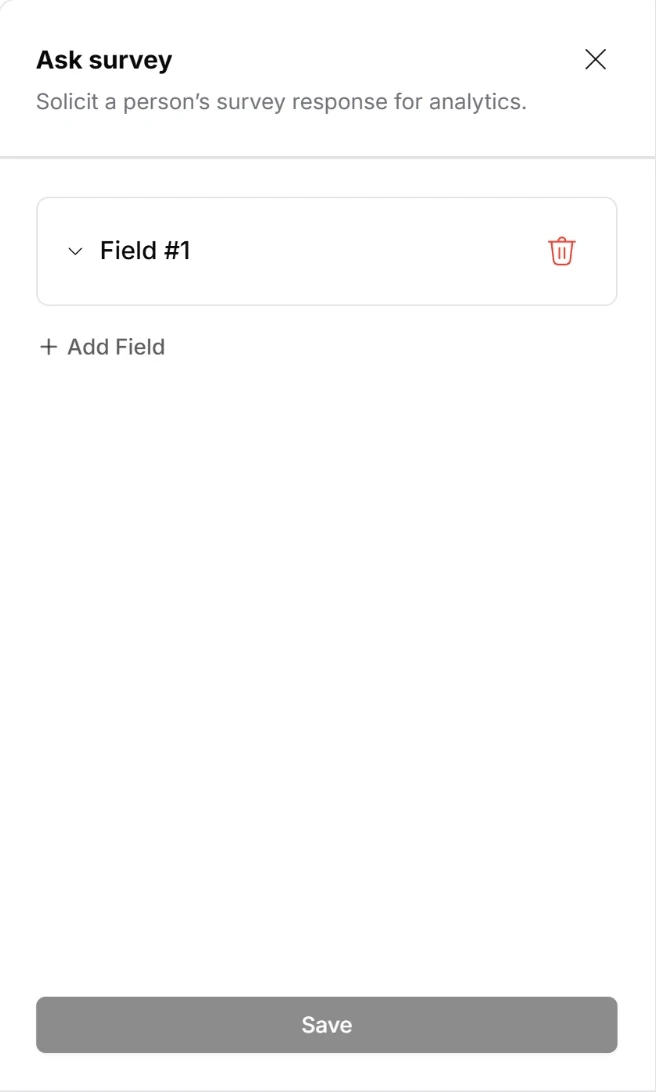
Select Add Field for each question – up to 10. For each one:
| Setting | What it does |
|---|---|
| Enable skip | On – if the answer isn’t valid, the question is skipped and its variable left empty. Off – your AI agent asks again until it gets a valid answer. On by default. |
| Chat variable name | Where the answer is saved, such as email_address. Use letters, numbers and underscores, and start with a letter. |
| Question | What your AI agent asks. It can include variables, such as Thanks {full_name} – what's your email address? |
| Answer must be | The kind of answer to accept – see the table. |
| Invalid answer reply | What your AI agent says when the answer isn’t valid, such as That doesn’t look like an email address – please try again. Only used when Enable skip is off. |
| Quick answers | Up to 13 answers the person can select instead of typing. |
| Answer must be | Accepts |
|---|---|
| Text | Any message |
| Number | A number – spaces are ignored |
| An email address that can receive mail | |
| Phone | A phone number |
| Attachment | One file |
| Attachment(s) | One or more files |
What happens
- Your AI agent asks the first question and waits.
- The person’s next message is the answer – it doesn’t start another workflow.
- A valid answer is saved, and the next question is asked.
- After the last question, the workflow carries on.
Use the answers in later actions – such as {email_address} in Create ticket, or email_address in a Branch condition.
Good to know
- With Enable skip off, there’s no limit on retries. Write an Invalid answer reply that says what a valid answer looks like.
- With Enable skip on, nothing tells the person an answer was skipped. Check for an empty variable later, such as with a Branch on
not email_address. - Each language has its own questions, replies and quick answers. If a question isn’t translated, your AI agent asks it in its default language. Variable names and answer types are shared.
- On Facebook Messenger, Email and Phone questions also offer the person’s own email address or phone number as a quick answer.